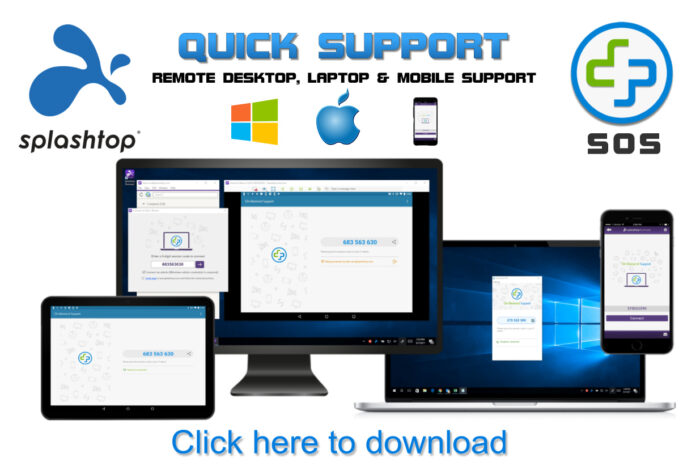
Remote computer repair assistance is a service where a technician diagnoses and fixes computer problems over the internet instead of visiting your location in person.
Typically, the process works like this:
- You contact a support provider and describe the issue.
- The technician asks you to install or open a secure remote-access program.
- With your permission, the technician can view and control your computer remotely.
- They troubleshoot problems such as:
- Virus and malware removal
- Software installation and configuration
- Email setup and troubleshooting
- Operating system errors
- Performance optimization
- Printer and network configuration
- Data backup assistance
- Once the repair is complete, the remote session is ended and access is revoked.
Advantages
- Faster than scheduling an on-site visit.
- Often less expensive than in-person service.
- Convenient because you don’t need to transport your computer.
- Immediate support for many software-related issues.
Limitations
- Requires a working internet connection.
- Cannot repair physical hardware failures such as a broken screen, faulty hard drive, damaged power supply, or motherboard issues.
- You should only grant remote access to trusted technicians or reputable companies.
Remote assistance is best suited for software, configuration, and troubleshooting problems, while hardware repairs usually require an on-site technician or repair shop.